
Home
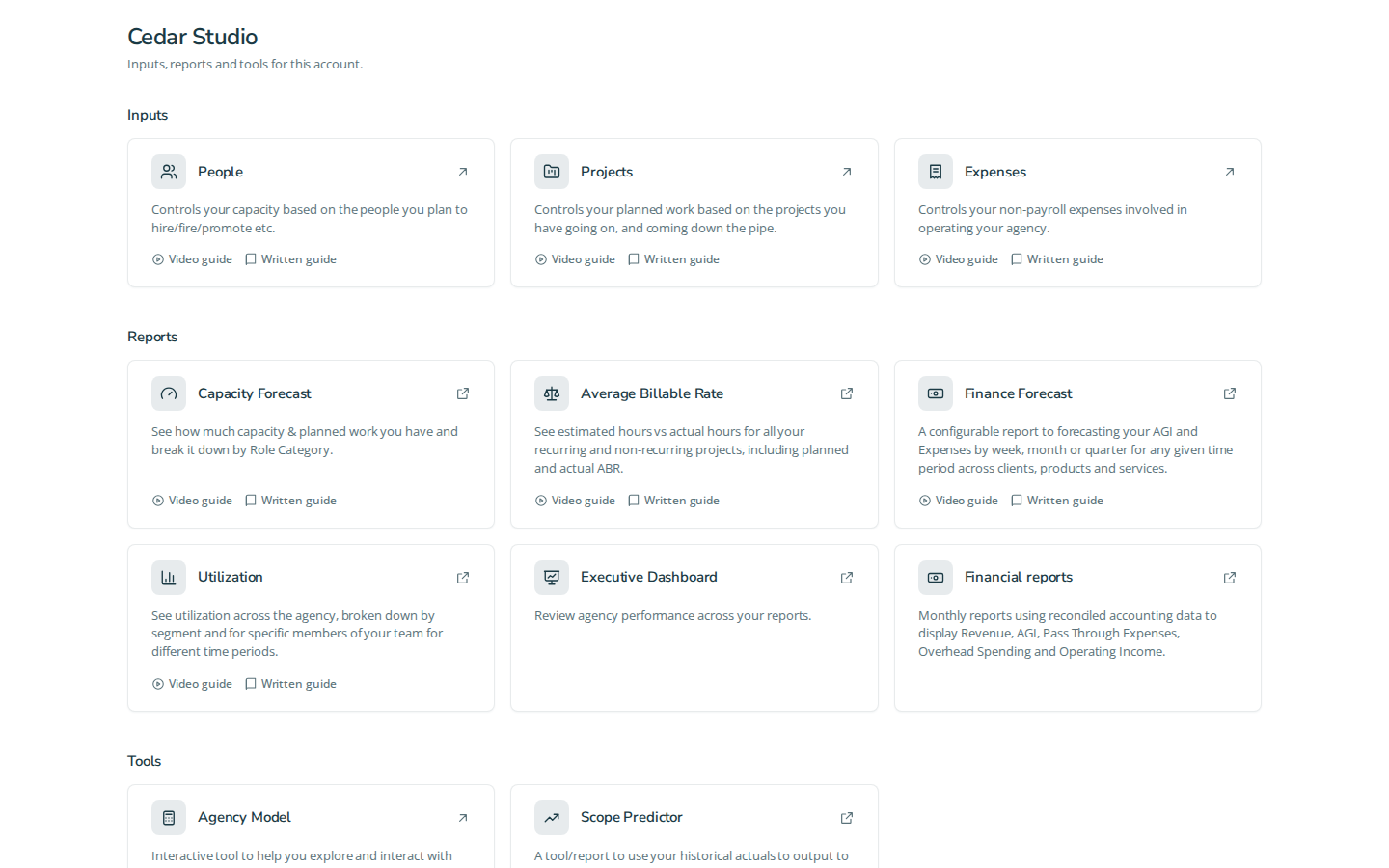
Home groups the selected account's available destinations. The account selector in the app shell determines which account you are looking at; Tools is a separate group.
Three primary tasks
- Select an account. Use the shell's account selector and confirm the account name on Home. Only accounts you can access appear.
- Open an input or model. Choose the account's People, Projects, Expenses or Model Calculator card when present. The stored card determines which grid or calculator opens.
- Open a report. Choose its report card. Until an administrator cuts the account over, it opens the stored Google Sheet. See how reports open.
Cards and controls
Each card has a title and may have a description and links to a video or guide. These are account-provided help links. A card that opens externally opens a new tab. A payroll update line appears only when a refresh date is available; Update payroll opens that account's payroll destination. Missing cards are not a prompt to guess a report URL.
Account editing, deletion, Account settings, Account migration and other administration tools appear only to administrators. Members do not need them to open their stored reports. Home is not a new report promotion control.
Fixture screenshot
Questions and answers
How do I use home?
Home groups the selected account's available destinations. The account selector in the app shell determines which account you are looking at; Tools is a separate group.